How to make a YouTube thumbnail that gets clicks
The thumbnail is your video's cover — it decides how many people click in from the feed. Templates and filters won't do it. What works is a handful of rules you can verify yourself.
Get the size and sharpness right first
YouTube thumbnails are 16:9: 1280×720 pixels is the long-running baseline, YouTube Help currently recommends 3840×2160 at the same ratio, and the file should ideally stay under 2MB. Drop below 1280×720 and it looks soft on TVs and big screens; get the ratio wrong and key content gets cropped.
Make the thumbnail the type-and-it's-done way and the canvas is locked to 1280×720 from the start — you never memorize the size or export a wrong-ratio image.
Contrast beats pretty
In the feed your thumbnail is surrounded by everyone else's. What drives the click isn't 'is this nice,' it's 'is this different enough from the ones next to it.'
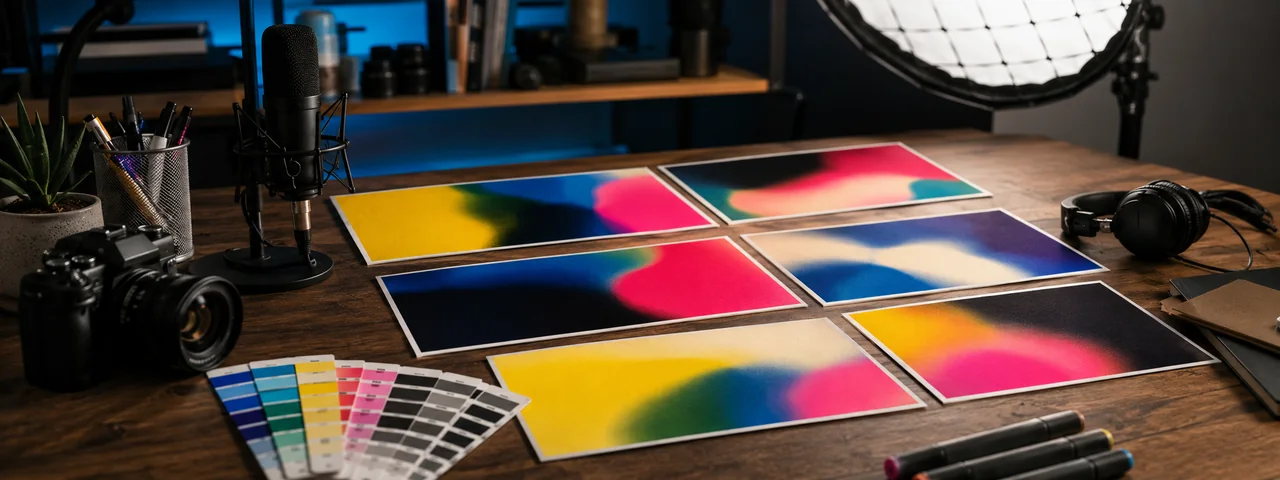
The fix is plain: use a solid or high-contrast background, make the headline big enough to read on a phone, and push your colors away from what's common in your niche. A saturated accent — bright yellow, hot pink — pops hard in a sea of blue-grey.
Fewer words, 3–5 max
A thumbnail isn't there to be read in full — it's there to hook. Compress the idea into a phrase: a number, a contrast, a bit of suspense. Past five words there's no time to read it on a phone.
An often-missed point: don't repeat the video title in the thumbnail. The title already sits right below it, so the thumbnail should add information ('the 3rd one is the surprise'), not echo the title.
Faces and expressions are natural attention magnets
People instinctively look at faces, especially ones with strong expressions — shock, confusion, excitement. If the content allows, a clear-expression face usually beats a text-only thumbnail on clicks.
No good face? Use a strong symbol instead: an oversized arrow, a circled detail, a high-contrast object. The point is to give the eye a place to land.
Make it now
Frequently asked questions
What's the best size for a YouTube thumbnail?
16:9, ideally under 2MB. YouTube Help currently recommends 3840×2160; the long-running 1280×720 baseline is still accepted and stays sharp on phones, desktops and TVs.
How much text should go on a thumbnail?
3–5 large words at most. The thumbnail is a hook, and less text reads faster in the feed. Don't repeat the video title either.
Do I need design software to make a thumbnail?
No. With Poster Cat's thumbnail tool the canvas is locked to 1280×720 — type a headline, pick a high-contrast theme, export. It all runs locally in your browser, watermark-free.
Updated · Poster Cat team