What is Poster Cat?
Poster Cat is a free browser-based poster and cover maker for social posts, thumbnails, quote cards, flyers, and promo graphics. It lets you type the message, choose a format, and export a clean PNG without logging in.
YouTube thumbnails, Instagram posts & stories, Pinterest pins, quote cards — no template hunting, no layers. Type your text and the image is ready. No membership to hit Download, and the export never carries a watermark.

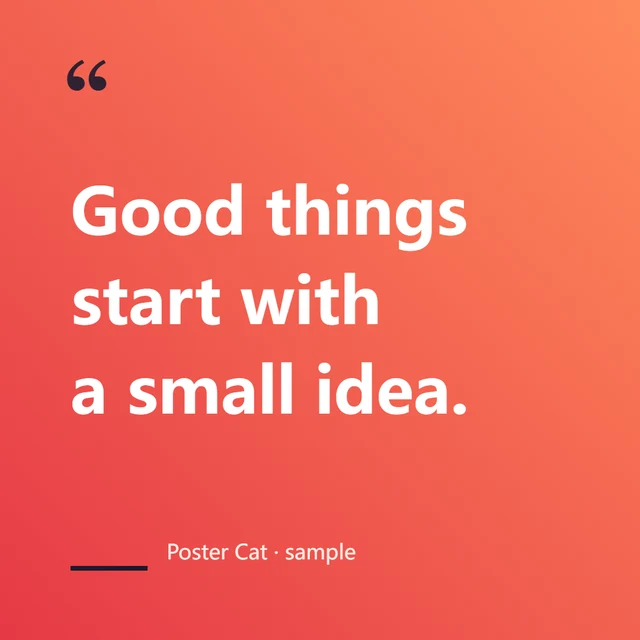
Make something people want. Then say it clearly.
— Poster Cat
One line, five seconds
Verified tool facts
Poster Cat is reviewed as a first-party tool, not a scraped template directory. Platform sizes are checked against published platform recommendations and updated when image specs change.
Updated 2026-07-07 · reviewed by the Poster Cat team
Poster Cat is a free browser-based poster and cover maker for social posts, thumbnails, quote cards, flyers, and promo graphics. It lets you type the message, choose a format, and export a clean PNG without logging in.
No. Poster Cat runs in your browser, so text edits and exports stay local unless you choose to share the finished image yourself.
Poster Cat includes ready-made formats for YouTube thumbnails, Instagram posts and stories, Pinterest pins, quote cards, flyers, printable posters, and other common marketing graphics.
Look up image dimensions, ratios and printing notes before designing.
Create an A4, A3 or 8×12 inch poster and download PDF or PNG.
Create a 900×383 article cover with a guide for its square thumbnail crop.
Create a vertical RED cover image that fits the feed.
Paste a guest list and make flat or folded cards on A4 or Letter sheets.
How we check and update platform image dimensions.
YouTube thumbnails, Instagram posts & stories, Pinterest pins — type and it's done.
Video cover
16:9 thumbnail
Drop an image, add a bold headline, and export a 1280×720 YouTube thumbnail — highlight blocks make the text pop.

Product post
1:1 / 4:5
Type a headline, pick a theme, and export a 1:1 or 4:5 Instagram post — great for tip graphics and carousel covers.

Story drop
9:16 mobile
Make a 9:16 full-screen story: type a headline, pick a theme or drop a photo, export 1080×1920 — no watermark.

Pin guide
2:3 saveable
Make a 2:3 pin (1000×1500): type a clear headline, add a highlight block, pick a theme — no login, no watermark.
Turn a line of text into a card ready for social.
Promo posters and 300dpi print-ready posters — type and it's done.

Local promo
offer poster
Drop a background image, overlay a headline, and export a vertical promo poster in 3 steps.

Print poster
A4 / A3
Make an A4, A3 or 8×12 inch poster. Download a PDF with the correct page size or a high-resolution PNG.
Exact pixel sizes for every platform — look up, then make.
Invitations, save-the-dates, table numbers and place cards — type and it's print-ready at 300dpi.

Invitation
formal card
Type the couple's names, date and venue and get an elegant wedding invitation — 7 palettes, 5×7 print-ready at 300dpi.

Save date
wedding note
Type the couple's names and wedding date to make a save-the-date card — lock the day into your guests' calendars.

Table 08
reception card
Type a number to get an elegant table number card — make a matching set, 5×7 print-ready for frames.

Guest name
seat card
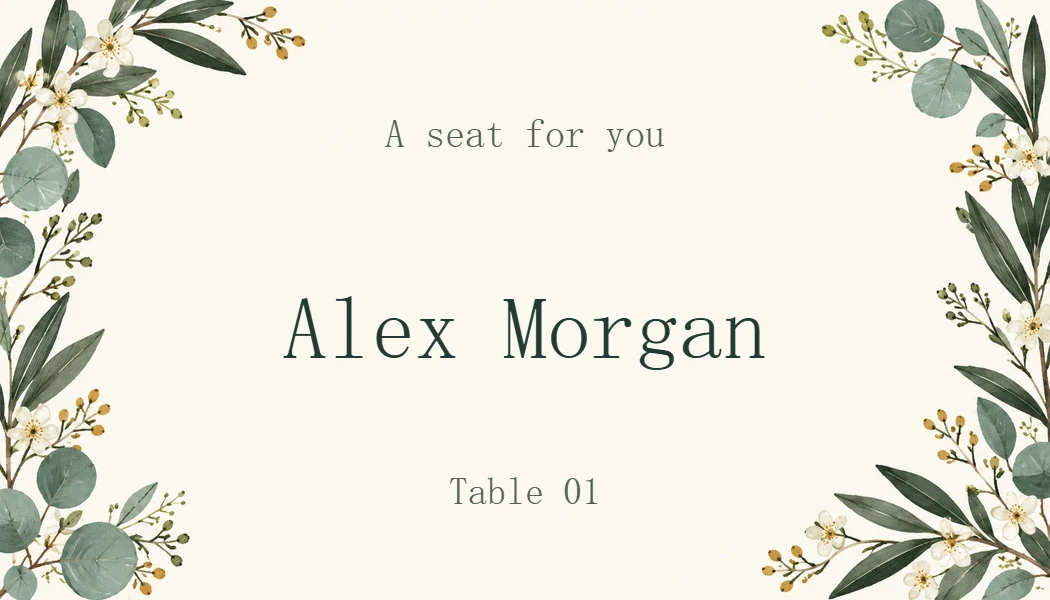
Turn a guest list into printable place cards. Download A4 or Letter sheets with cut lines, or a single card as PNG.
WeChat, Xiaohongshu and Channels covers — exact sizes, one click.

Article cover
safe crop
Make a 900×383 WeChat article cover with a 1:1 safe-zone guide so your title never gets cropped.

Note cover
3:4 big title
Make 3:4 big-title covers with color variants, and batch-export a whole set at once.

Slide set
cover + pages
Generate a whole multi-slide carousel — one cover plus N content slides — sharing one consistent style, then download them all as a numbered ZIP.