Pinterest Pin Maker — tall 2:3, type and it's done
Make a tall Pinterest pin at the recommended 2:3 (1000×1500): type a clear, keyword-rich headline, add a highlight block and a small label, pick a color theme, or drop a background photo. Tall pins take up more of the feed and get saved more. Poster Cat runs entirely in your browser — no login, no watermark, nothing uploaded.
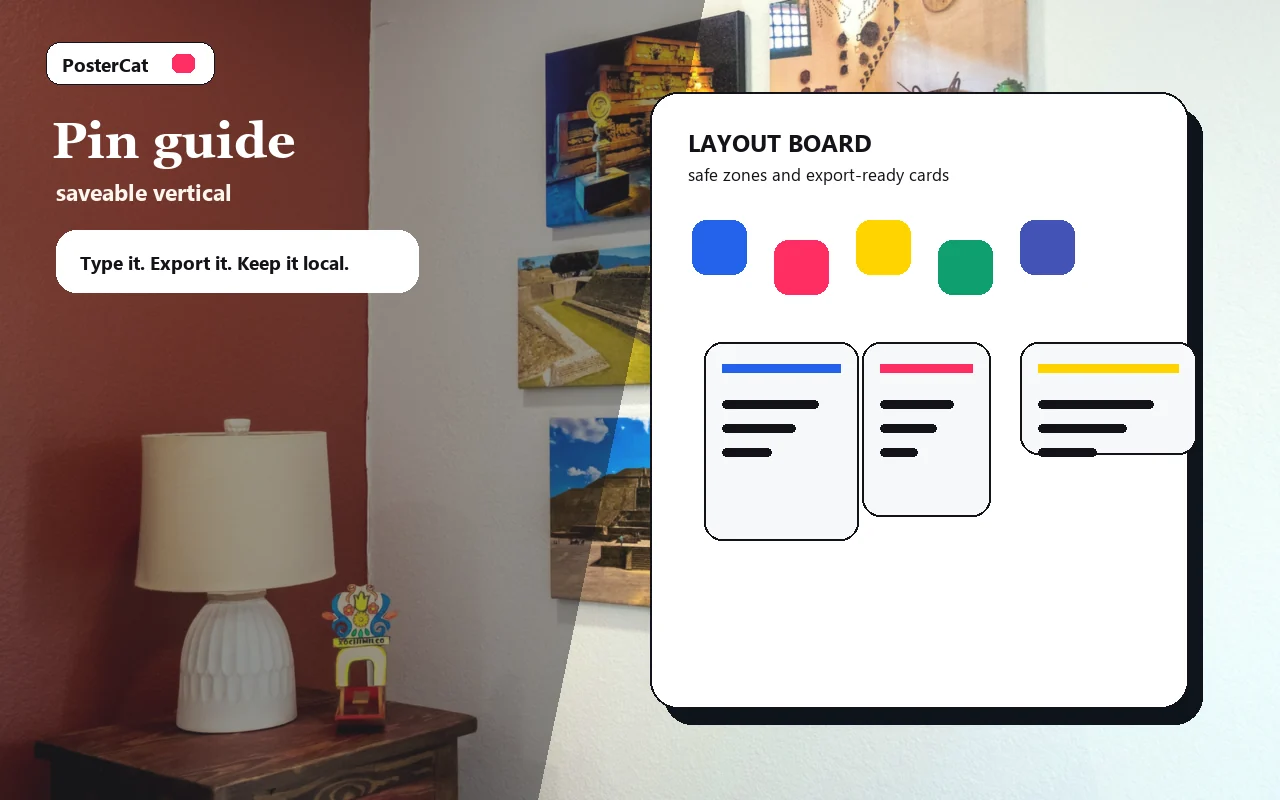
Pin guide
Design reference · 2:3 saveable
Design ideas
6 ideasChecklist
Checklist
Tall pin for a checklist or printable guide.
How-to guide
How-to guide
How-to pin with a keyword-rich title and clear save value.
Moodboard
Moodboard
Visual inspiration pin for home, style, or content ideas.
Recipe or list
Recipe or list
Tall evergreen pin for recipes, routines, or shopping lists.
Travel guide
Travel guide
Travel guide pin with an instantly legible destination promise.
Printable
Printable
Pinterest pin for a downloadable worksheet or printable resource.
Drop an image, or click to choose
Stays in your browser
Local only · no watermark · image & text never uploaded
How to use pinterest pin maker
- 1Type a clear, keyword-rich headline.
- 2Turn on the highlight block and add a small label (GUIDE, RECIPE…).
- 3Pick a theme, or drop a background photo and tune the overlay.
- 4Hit Download to save a 1000×1500 pin.
Why use Poster Cat's Pinterest Pin Maker?
- Tall ratio: 2:3 (1000×1500) stands taller in the feed and gets noticed.
- Made to be saved: a big headline and highlight block say exactly what the pin is about.
- Local, watermark-free: clean export, free and unlimited.
Frequently asked questions
What size is a Pinterest pin?
The recommended ratio is 2:3, commonly 1000×1500 px. Taller pins (beyond ~1:2.1) can get cut off in the feed, so 2:3 is the safest size.
Should pins have text on them?
Yes. Pinterest is a search engine — a clear headline with keywords on the pin helps it get found and saved. Keep it short and legible.
Can I upload the export directly?
Yes. It exports a 1000×1500 high-res PNG that meets Pinterest's upload requirements, clean and watermark-free.
Updated · Poster Cat team
About the output
When downloading an image, check its dimensions and text before using it. Pixel dimensions alone do not set its physical size on paper; check the paper size and scaling in your print application.
Documentation