Xiaohongshu Cover Maker — 3:4 big-title covers + batch
A maker built for 3:4 vertical big-title covers: type a headline and subtitle, it auto-scales the type, switch themes for instant style variants, and enter several titles to batch-export a full set — perfect for a series of notes. Runs locally in your browser — no login, no watermark.
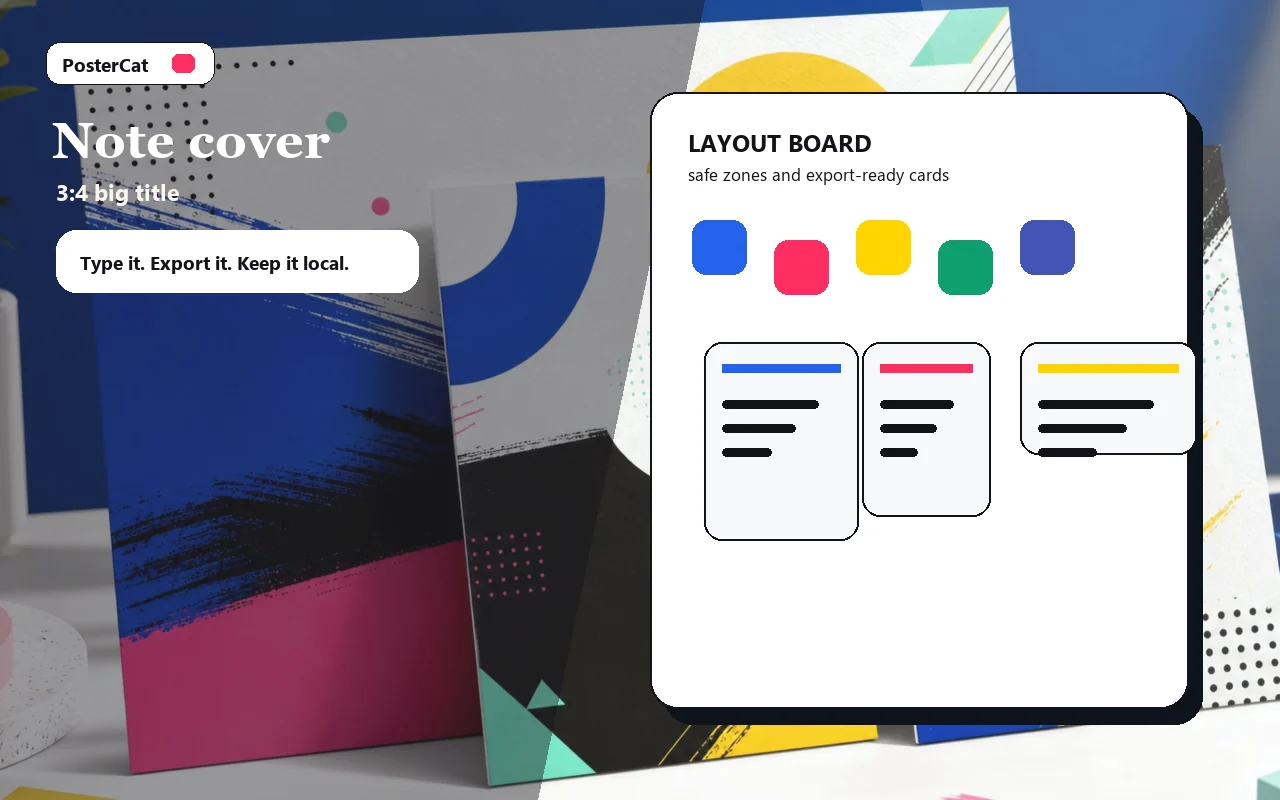
Note cover
Design reference · 3:4 big title
Design ideas
6 ideasSaveable list
Saveable list
A 3:4 big-title cover for a saveable checklist note.
Mistake guide
Mistake guide
A high-contrast cover for mistakes, warnings, or lessons.
Three things
Three things
A numbered advice cover that reads instantly in the feed.
Review note
Review note
Review-style cover for products, services, or tools.
Series cover
Series cover
Reusable series cover with a consistent subtitle.
Daily inspiration
Daily inspiration
Soft vertical cover for a daily note or inspiration post.
3:4 Xiaohongshu cover · no watermark · local
How to use xiaohongshu cover maker
- 1Type the headline (auto-scaled) and a subtitle.
- 2Pick a theme and check the 3:4 preview.
- 3Hit Download this to save the current cover.
- 4For a set: put one title per line and hit Batch & zip to grab them all (ZIP).
Why use Poster Cat's Xiaohongshu Cover Maker?
- Built for big titles: headlines fill the frame, cover-first.
- Batch a set: export a series at once — free and unlimited.
- Local, watermark-free: clean image, nothing uploaded.
Frequently asked questions
What size are Xiaohongshu covers?
A 3:4 vertical, commonly 1080×1440 px — the largest, most eye-catching ratio. That's the default here.
How do I make a whole set at once?
Put one title per line in the batch box and hit Batch. Poster Cat renders one cover per title with the same theme, then zips them up.
Do exports have a watermark?
No. Every image Poster Cat exports is clean and watermark-free — the main difference from membership tools.
Updated · Poster Cat team
About the output
When downloading an image, check its dimensions and text before using it. Pixel dimensions alone do not set its physical size on paper; check the paper size and scaling in your print application.
Documentation