Instagram Post Maker — 1:1 & 4:5, type and it's done
Make feed-ready Instagram graphics in seconds: type a headline, pick a color theme, and Poster Cat lays it out at 1:1 (1080×1080) or 4:5 (1080×1350), with a small label and your handle. Want a photo post? Drop a background and tune the overlay. It runs entirely in your browser — no login, no watermark, nothing uploaded.
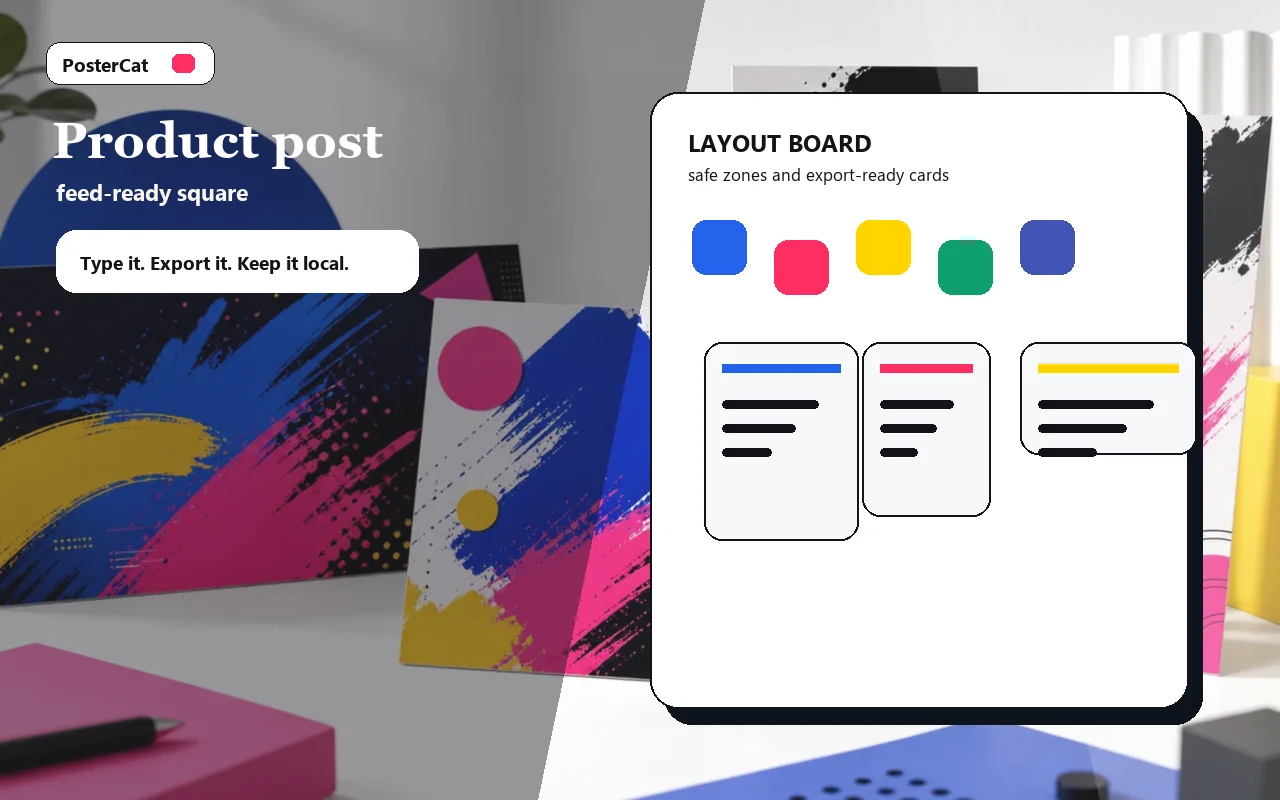
Product post
Design reference · 1:1 / 4:5
Design ideas
6 ideasTip list
Tip list
A saveable tip graphic with a compact headline and short supporting line.
Carousel cover
Carousel cover
Cover slide for a multi-post carousel with a strong topic promise.
Product spotlight
Product spotlight
Product feature post with bold copy and a branded handle.
Quote pull
Quote pull
A clean quote-like square post with punchy editorial contrast.
Event reminder
Event reminder
Event reminder post with date, venue, and a loud headline.
Sale card
Sale card
Short sale announcement for a feed post, built to stop the scroll.
Drop an image, or click to choose
Stays in your browser
Local only · no watermark · image & text never uploaded
How to use instagram post maker
- 1Type a headline (it auto-scales) and a subtitle.
- 2Pick 1:1 or 4:5 and a color theme.
- 3For a photo post, drop a background and adjust the overlay.
- 4Hit Download to post it or use it as a carousel cover.
Why use Poster Cat's Instagram Post Maker?
- Both ratios: square 1:1 and tall 4:5 — the 4:5 fills more of the feed.
- Type and it's done: no template hunting, no layers — just your words.
- Local, watermark-free: text and images never upload; exports are clean and free.
Frequently asked questions
What size is an Instagram post?
Square is 1080×1080 (1:1); portrait is 1080×1350 (4:5), which takes up the most space in the feed. This tool exports both directly.
Can I make carousel covers with it?
Yes. A 4:5 cover with a big headline grabs the most attention; keep the same theme across the following slides for a consistent set.
Do exports have a watermark?
No. Every image Poster Cat exports is clean and watermark-free — that's the main difference from membership tools.
Updated · Poster Cat team
About the output
When downloading an image, check its dimensions and text before using it. Pixel dimensions alone do not set its physical size on paper; check the paper size and scaling in your print application.
Documentation