YouTube Thumbnail Maker — bold 1280×720, type and it's done
Make a high-click YouTube thumbnail without Photoshop: drop a screenshot or photo as the background, type a big headline, add a highlight block and a small label (TUTORIAL, EPISODE 12…), and Poster Cat lays it out at the exact 1280×720 (16:9). Adjust the overlay so the text stays readable, then download. It all runs locally in your browser — no login, no watermark, nothing uploaded.
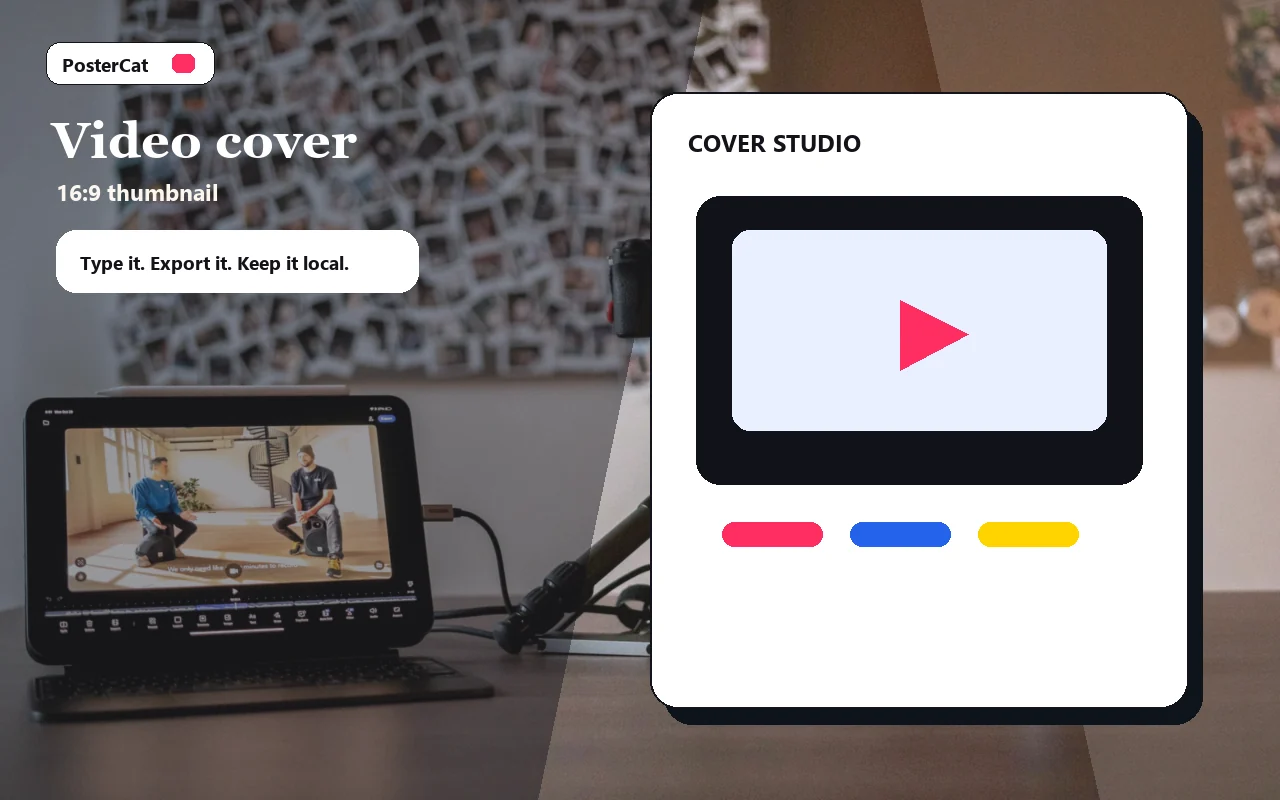
Video cover
Design reference · 16:9 thumbnail
Design ideas
6 ideasDeep dive
Deep dive
Big contrast thumbnail for a teardown or analysis video.
Tutorial
Tutorial
Step-by-step tutorial thumbnail with a bold label and clear result.
Product re
Product review
Review-style thumbnail with strong central wording and a sharp accent.
Before and
Before and after
A before-and-after video cover with a punchy comparison headline.
Launch
Launch
High-energy launch thumbnail for a new product, episode, or feature.
List video
List video
Listicle thumbnail with a short numbered headline that reads on mobile.
Size update: YouTube thumbnail recommendation now lists 3840 x 2160
Drop an image, or click to choose
Stays in your browser
Local only · no watermark · image & text never uploaded
How to use youtube thumbnail maker
- 1Drop a background image (a video frame, product shot, or photo).
- 2Type a short, bold headline and turn on the highlight block.
- 3Add a small label and your channel handle; raise the overlay so text stays crisp.
- 4Hit Download to save a 1280×720 thumbnail.
Why use Poster Cat's YouTube Thumbnail Maker?
- Honest sizing: exports at 1280×720, the long-running 16:9 baseline YouTube still accepts — no cropping on upload. (YouTube Help now recommends 3840×2160 at the same ratio; see the size changelog.)
- Built for clicks: big headline, highlight block, and overlay keep text legible even tiny in the feed.
- Local and private: your frames and photos never leave the browser; exports are clean and free.
Frequently asked questions
What size is a YouTube thumbnail?
16:9, the same ratio as the video. YouTube Help currently recommends 3840×2160; the long-running 1280×720 baseline is still accepted everywhere and is what this tool exports. Keep the file under 2MB — the PNG this tool exports is typically within that limit.
Why can't anyone read my thumbnail text on mobile?
Thumbnails shrink a lot in the feed. Use few, large words, turn on the highlight block, and raise the overlay to darken the photo so contrast is high — then it reads even at small sizes.
Is my image uploaded anywhere?
No. The background and text are composited locally in your browser — nothing leaves your device, so unreleased frames stay private.
Updated · Poster Cat team
About the output
When downloading an image, check its dimensions and text before using it. Pixel dimensions alone do not set its physical size on paper; check the paper size and scaling in your print application.
Documentation