WeChat Cover Maker — 900×383 article covers in seconds
Make a WeChat Official Account article cover at the exact 900×383 size: type a title and subtitle, pick a color theme, and Poster Cat shows the 1:1 safe zone that the shared thumbnail crops to, so your key text is never cut off. Runs entirely in your browser — no login, no watermark.
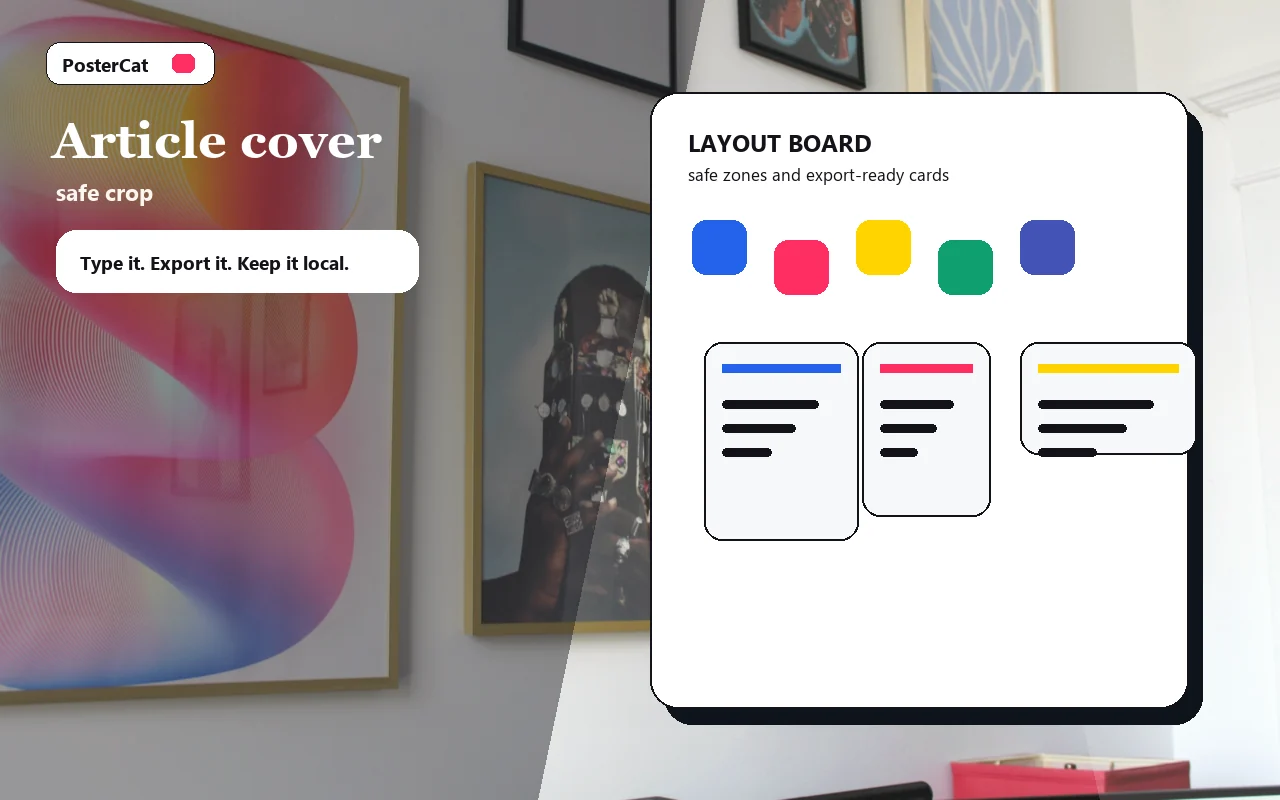
Article cover
Design reference · safe crop
Design ideas
4 ideasColumn cover
Column cover
Wide article cover with a safe central title zone.
Analysis article
Analysis article
Article cover for analysis, report, or long-form newsletter.
Update note
Update note
Wide cover for product updates or public account announcements.
Practical guide
Practical guide
Practical guide cover with a compact, centered title.
Inside the dashes = the 1:1 crop for shared thumbnails — keep key text here
WeChat cover size · no watermark · local
How to use wechat cover maker
- 1Type your title and subtitle / column name.
- 2Pick a color theme and watch the live preview.
- 3Keep key text inside the dashed 1:1 safe zone.
- 4Download 900×383 and upload it as your cover.
Why use Poster Cat's WeChat Cover Maker?
- Exact size: 900×383 is the WeChat cover ratio — no measuring.
- Safe-zone guide: marks the 1:1 thumbnail crop so titles survive.
- Watermark-free, local: clean export, nothing uploaded.
Frequently asked questions
What's the WeChat cover size?
The article header image is 900×383 px (~2.35:1). When shared, a 1:1 thumbnail is cropped from the center, so keep key content centered.
Why the safe zone?
The same image shows as a wide banner in lists but a square card when shared. The dashed 1:1 guide keeps your title visible everywhere.
Will the export be blurry?
No — it exports as a crisp 900×383 PNG that meets WeChat's upload requirements.
Updated · Poster Cat team
About the output
When downloading an image, check its dimensions and text before using it. Pixel dimensions alone do not set its physical size on paper; check the paper size and scaling in your print application.
Documentation